
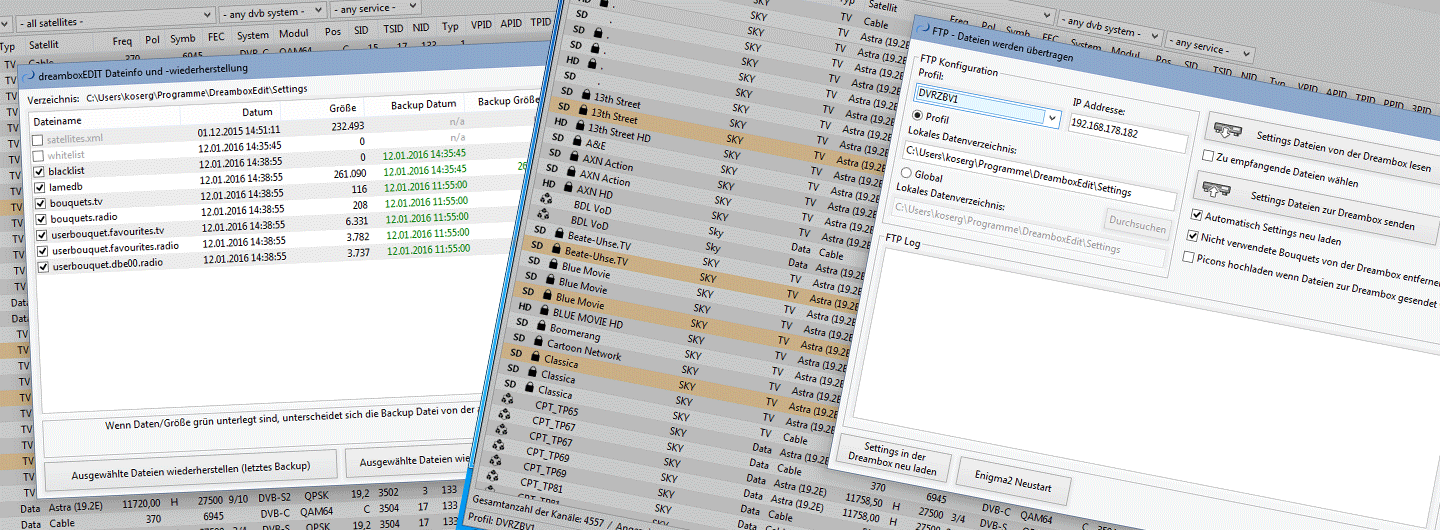
Streaming
The streaming function in dreamboxEDIT lets you watch live TV from your Enigma box directly on your PC. A few basic settings are required to get started.
Setup
In the Options, under the GUI tab, enable the streaming function and configure the path to the VideoLAN VLC player.
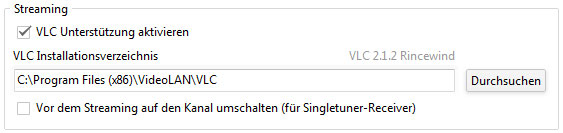
Single-tuner boxes: Enable the corresponding option so that dreamboxEDIT switches to the correct channel on the box before streaming begins.
VLC compatibility: If you experience problems, check the developer's VLC version recommendations.
Using the Stream
No further configuration is needed. You can start streaming a channel in two ways:
- Keyboard shortcut: Ctrl+S
- Right-click context menu on the channel

The channel appears in a scalable window in the upper right corner. Double-click to switch to full-screen mode.