
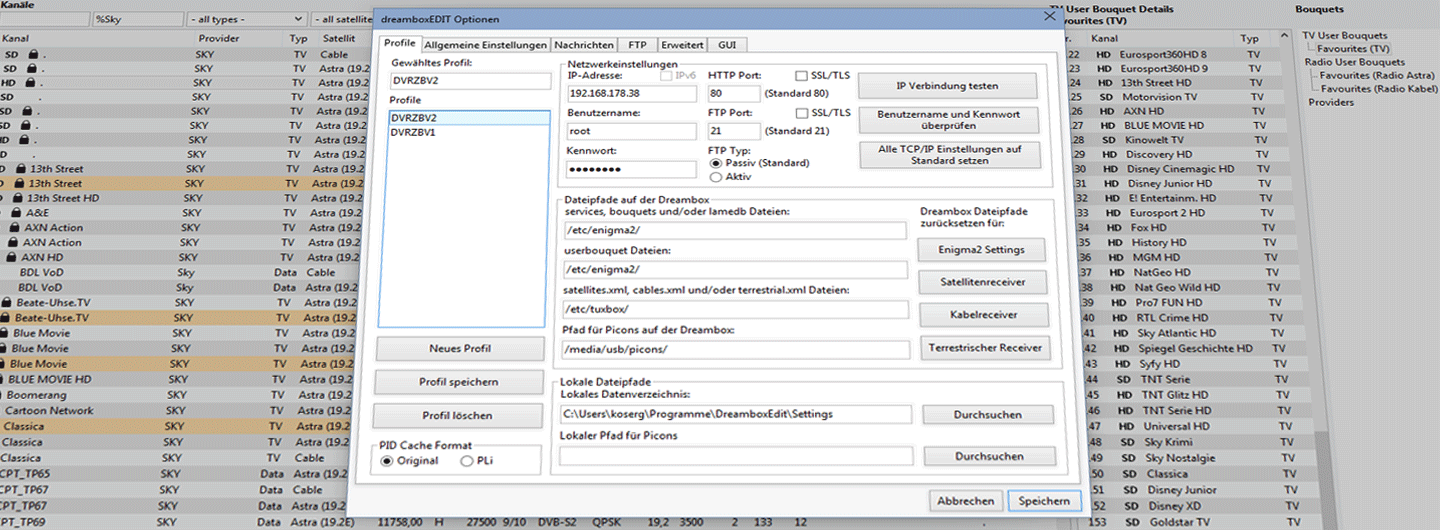
Operation
In the previous workshop section you learned how to reduce the channel flood in dreamboxEDIT. Now you can fill your "Favorites" bouquet with your favourite channels.
Filling a Bouquet Step by Step
Tip: When building your favourites list it helps to use a TV programme guide as a reference. The list is often only accepted once the daily overview on the box matches what you see in a printed guide.
Step 1 – Open the channel list

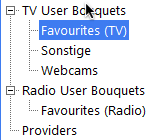
Step 2 – Select a bouquet
In the right-hand panel, select the bouquet you want to fill (by default "Favorites").
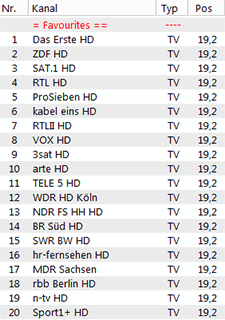
Step 3 – Add channels
The bouquet content appears in the centre panel. Drag channels from the left panel into the centre panel. Hold Ctrl and left-click to select multiple channels at once.
Step 4 – Arrange the order
First copy all the channels you want, then adjust their order in the centre panel.
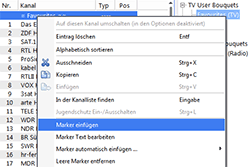
Markers
Markers work like section headings – they appear in the bouquet list on the box and make it easier to navigate large bouquets.
Multiple Bouquets
To create additional bouquets (e.g. for rarely used channels), enable Allow multiple bouquets on the box under Menu → Settings → System → Customise.
Quickzap: With "Switch bouquet on Quickzap" enabled, zapping past the last channel of a user bouquet automatically jumps to the first channel of the next bouquet.
