
Configuration
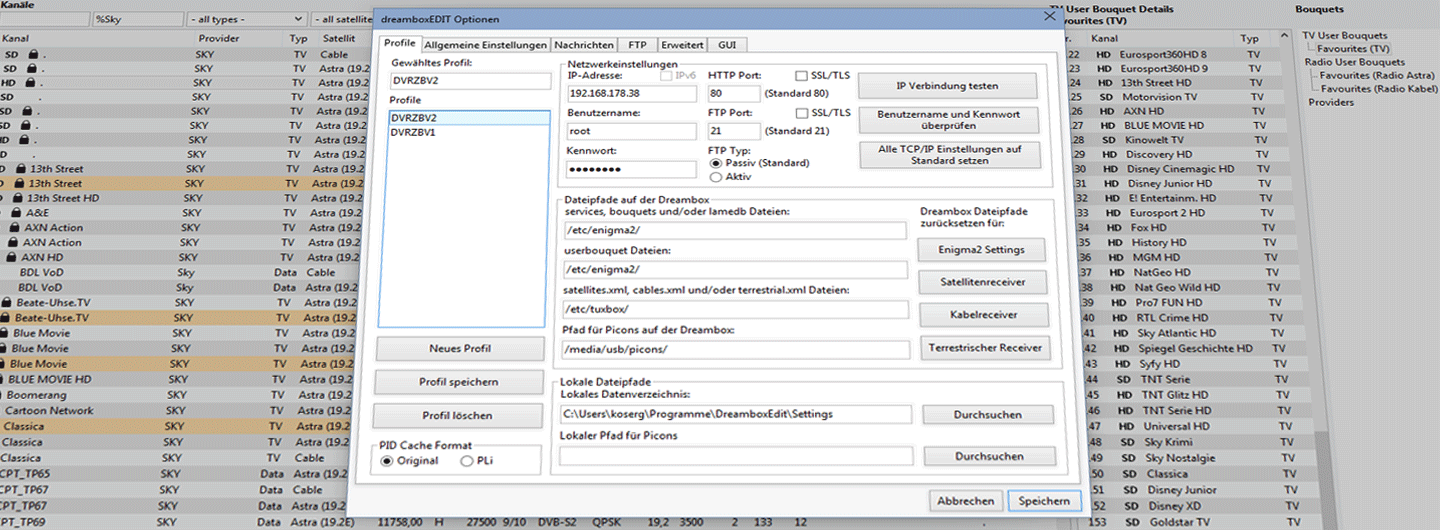
To allow dreamboxEDIT to access files on your Enigma box, several settings must be configured in the Options window. If you want to access multiple Enigma boxes, it is recommended to create a separate profile for each one.
Profile Management
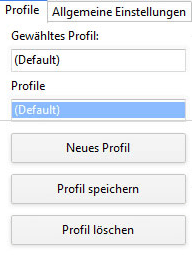
- Replace the default profile name with a meaningful one
- Save it using "Save Profile"
- Add additional profiles with "New Profile"
Network Settings
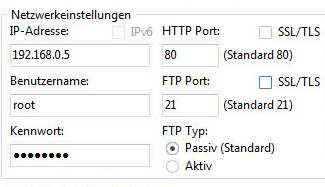
The most important setting is the IP address of your Enigma box. You can find it on the box under: Menu → Settings → System → Network → Adapter Settings.
Authentication
- Username:
root(same for all Enigma boxes) - Password: varies – Enigma 1:
dreambox; Enigma 2: may be empty - HTTP port: the port your box's web interface listens on
HTTPS / SSL
You can also configure whether authentication via username and password is required. HTTPS uses port 443.
FTP Configuration
A valid FTP configuration is required for file exchange with the box. Enter username, password, and port in the FTP section of the options.

Connection Tests
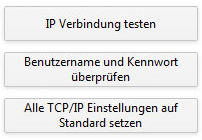
- Test IP connection: checks whether the web interface is reachable
- FTP test: attempts to establish an FTP connection
- Reset: resets all TCP/IP settings to their defaults
File Paths
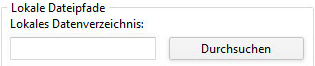
dreamboxEDIT can now reach the box over the network – but without the correct file paths, it won't be of much use. You need to distinguish between local paths (on your PC) and remote paths (on the box).
Key Files
- satellites.xml – XML list of all transponders per geostationary position, used during channel scan
- lamedb – list of all channels found during scan (TV, Radio, Data)
- bouquets.tv / bouquets.radio – which user bouquets exist on the box
- userbouquet.*.tv / *.radio – custom channel lists with references to lamedb entries
Once these settings are in place, you can download the settings files from your box and start editing with dreamboxEDIT.