
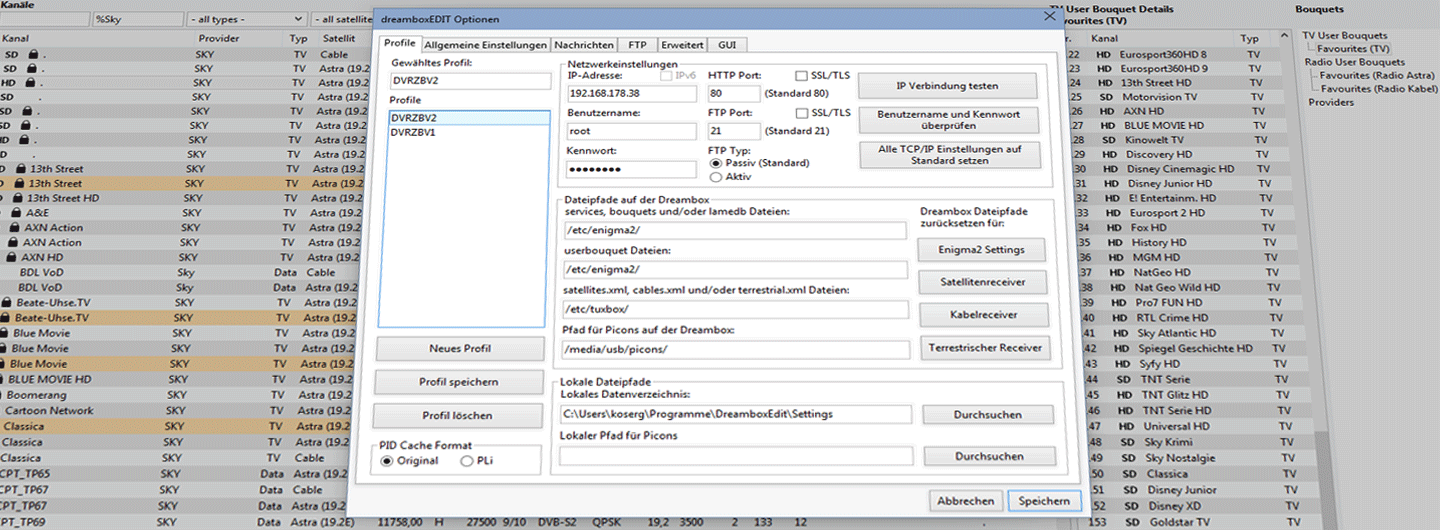
Preparing the Installation
If you have dreamboxEDIT installed in a version older than 6.x, you should uninstall it first. However, entries may remain in the Windows registry that could cause problems with the new installation.
Cleaning the Registry
Proceed carefully when cleaning the registry manually. dreamboxEDIT leaves very few entries, so errors during cleaning are very unlikely – but a damaged registry can prevent Windows from starting.
- Open the Windows Start menu
- Type
regeditin the search or Run field and confirm - Delete the following registry keys if they exist:
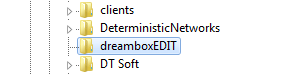
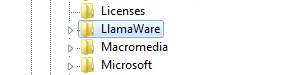
HKEY_CURRENT_USER\Software\dreamboxEDITHKEY_CURRENT_USER\Software\LlamaWare
After this step, old entries are removed. Note that all previous settings will need to be reconfigured after a fresh installation.